A chat that does things for you in your own browser
Tell it what you do in the browser. It does it for you. Ask once and it's done. If you need it again and again, turn it into an automation.
Free to start · Windows · macOS
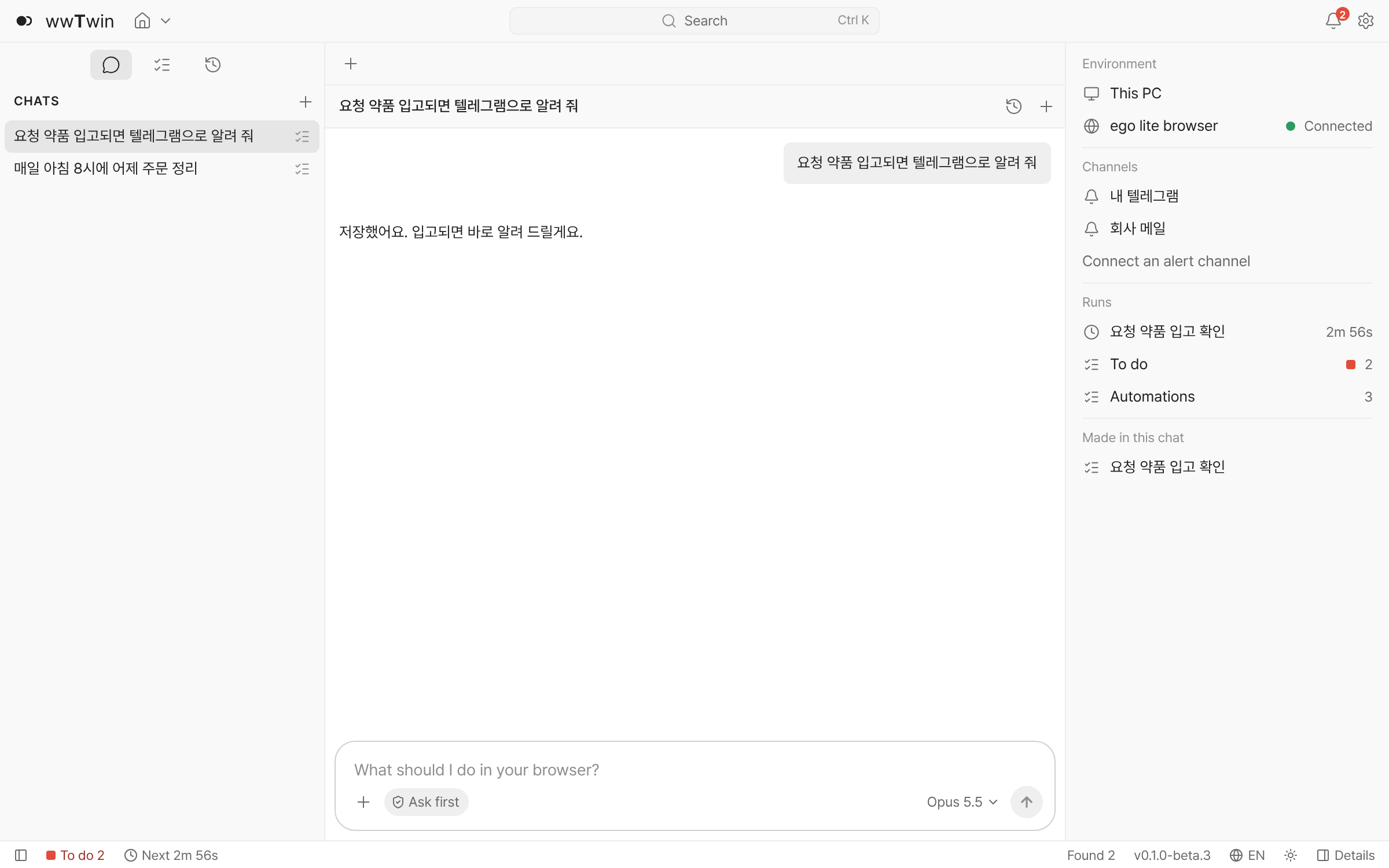
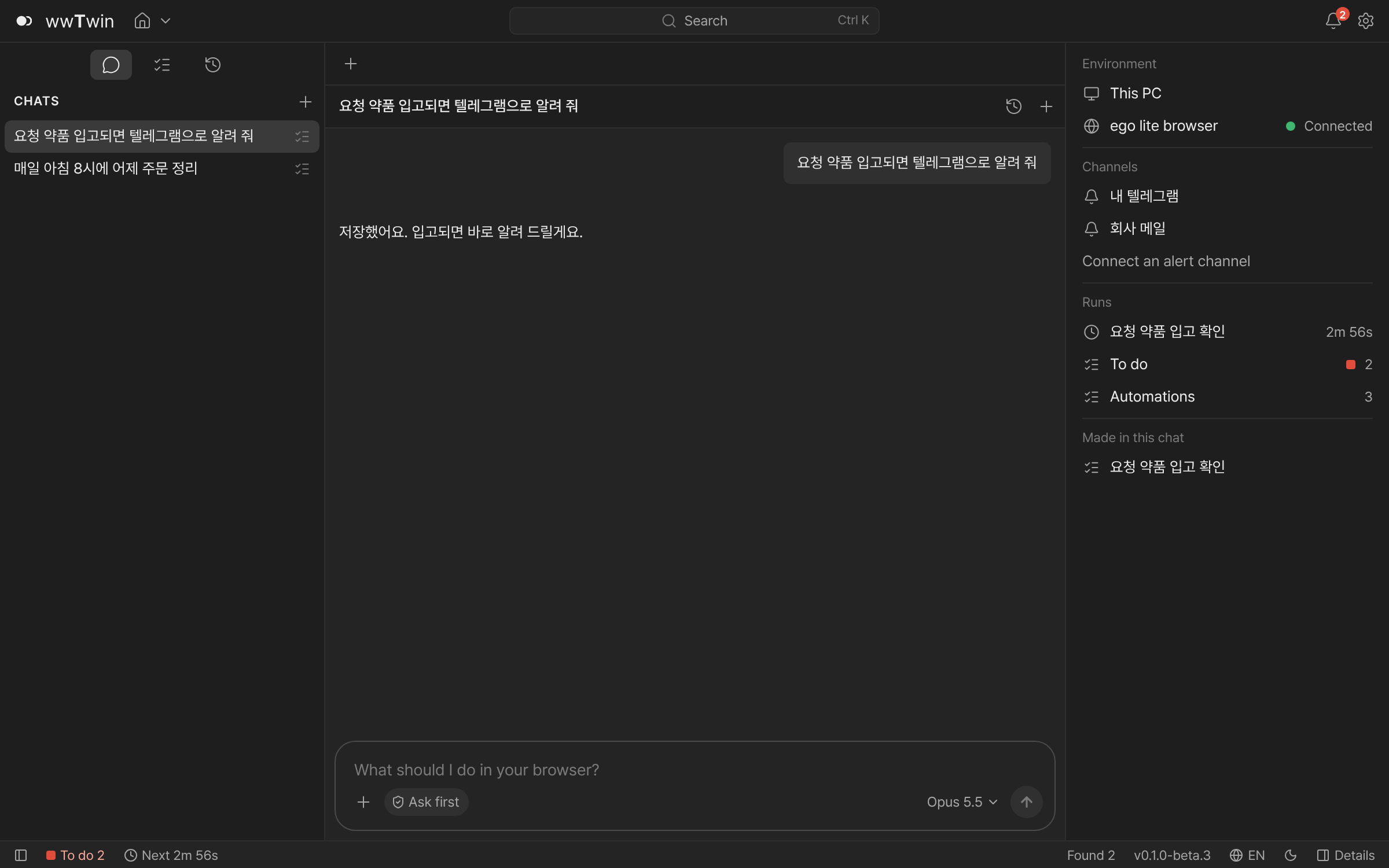
The app's own screen. What is in it is sample data.
Ask like this
Look up, check, tidy — ask once and it's done. Anything you need regularly can be set to repeat.
Do it now
It does what you asked in the browser right away and tells you the result in the chat.
- Find the lowest price for 500 ml sparkling water across three shops
- Check if the fever medicine is in stock on the order site
- Put this month's orders into a spreadsheet
- Gather today's notices from the bid site
Repeat · schedule
It runs at the time or on the condition you set, and tells you when there is something to tell.
- Tell me when the medicine I asked for is back in stock on the order site
- Every morning at 9, sum up yesterday's orders
- Tell me when a new bid notice is posted
- Tell me once when this drops below ₩50,000
Saved as an automation, it runs from now on with no AI cost.
On your PC, in your own browser
Say what you need done in the browser
One line, the way you would put it yourself.
Watch it happen and get the result
You see the site being opened, checked and tidied up in the browser.
Set anything you need regularly to repeat
Every morning, when a value changes, when a condition is met.
- The work is done on your PCSites are opened in the browser on your PC (ego lite). It runs while your PC and browser are on.
- Site sign-ins stay on your PCSite usernames, passwords and cookies stay in that browser and are not sent to the server.
- What the server doesGoogle sign-in, your list of PCs, delivering alerts and control from your phone.
- Check what the AI didAI (Anthropic's Claude) can be wrong. Check the values it read before you save.
Alerts where you already work
What your automations find goes to the channels your team already uses. The app does not need to be open in front of you.
Alert channels
- Slack
- Email Soon
- Telegram
- Discord
- Webhook
- PC notifications
Paste one webhook address from a Slack channel and it is connected. Telegram, Discord, any other tool's webhook and PC notifications work too.
See it on your phone
Sign in on the web with the same Google account as your PC to see what your PC did and what your automations found. You can ask the PC to pause an automation or run it now.
Pricing
Runs, alerts, undo and backups are the same on every plan.
Free
₩0
Automations run and alert at no cost · your first AI use is free up to a limit
- Unlimited runs, schedules and alerts
- Your first AI use is free up to a limit
- After that, no limit with your own AI key
- Alerts to Slack, Telegram, your PC and more
- Check from your phone and the web
Pro Soon
₩9,900 a month (planned)
Keep asking without an AI key
- Everything in Free
- 10 AI builds or edits a month, no AI key needed
- Auto-fix: when a site changes, it tries to fix the automation first
You'll be told when it opens. Sign in and turn the notice on in your account.
Questions
Which computers does it run on?
It is a desktop app for Windows and macOS. On a phone you use the web view to see what your PC did.
What is ego lite?
The browser wwTwin uses to visit sites. It is made by Citro Labs and installed separately. wwTwin walks you through it the first time you open it.
Do my site passwords go to a server?
No. Site usernames, passwords and cookies stay in the browser (ego lite) on your PC and are not sent to the server. The server is used for sign-in, your list of PCs, delivering alerts and control from your phone.
What happens when my PC is off?
The work is done on your PC, so it runs while your PC and browser are on. Anything missed continues when the PC is back on.
Does every run of an automation cost money?
No. Automations run and alert at no cost on every plan. AI is used when you ask for something, or when an automation is made or fixed.
What do you want done in the browser?
Install it on your PC and describe what you do in one line.